How to Type Special Characters and Symbols in Pages, Numbers, and Keynote
Three simple ways to type any symbol on your Mac, plus how to make your own shortcut.
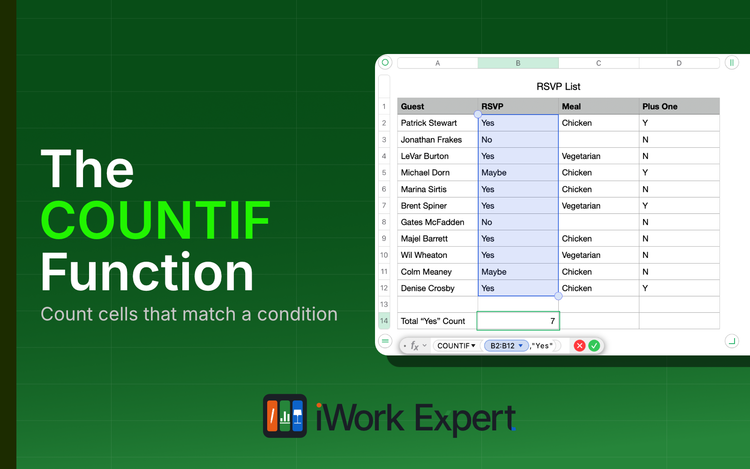
The COUNTIF Function in Numbers Explained
The COUNTIF function returns a count of cells that match a single condition. Literally, "count if..."
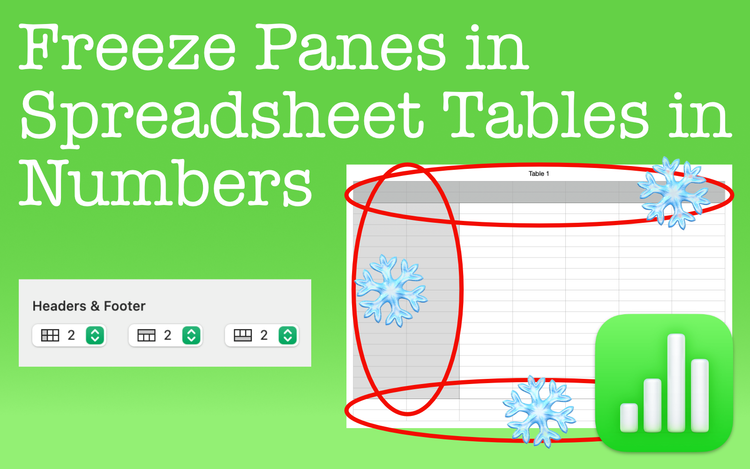
Freeze Panes in Spreadsheet Tables in Numbers
Freeze panes in Apple Numbers to leave rows or columns fixed in place. See these areas no matter where you scroll in the spreadsheet.
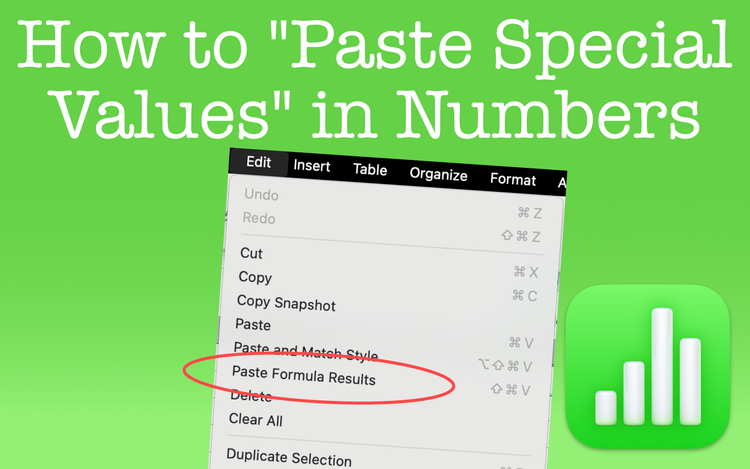
Paste Special Values in Numbers
Perform a Paste Special Values in Apple Numbers just as you do in Excel. The only difference is that it goes by another name in Numbers.
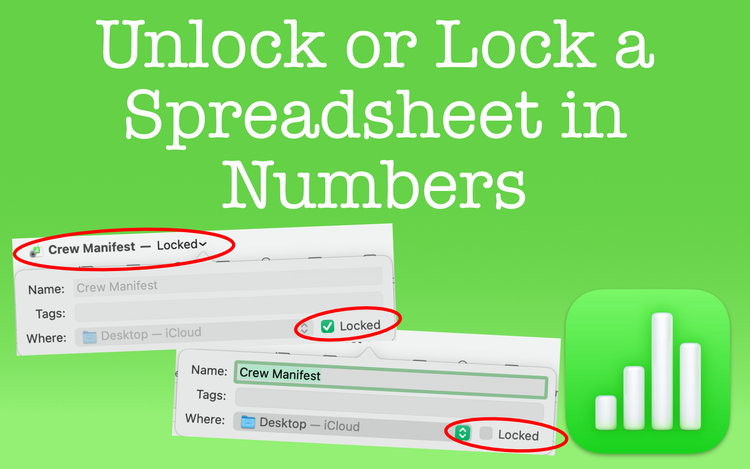
Unlock or Lock a Spreadsheet in Numbers
Anyone can unlock or lock a spreadsheet in Apple Numbers. It's not meant for security, but there are some benefits for you to consider.
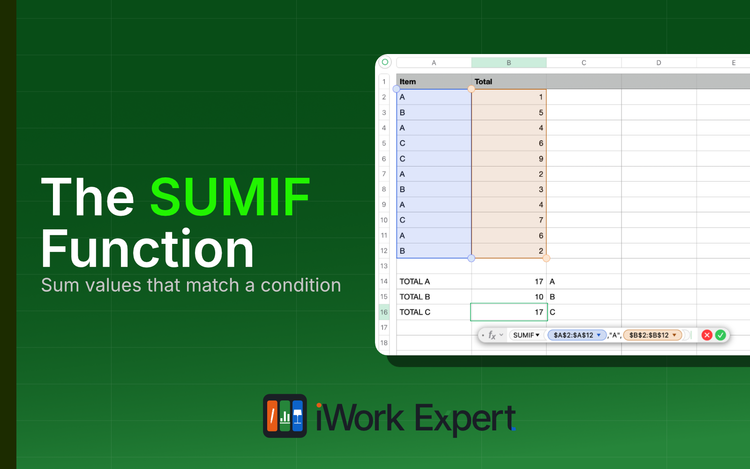
The SUMIF Function in Apple Numbers Explained
The SUMIF function returns the sum of cells that match a single condition. Literally, "sum if..."
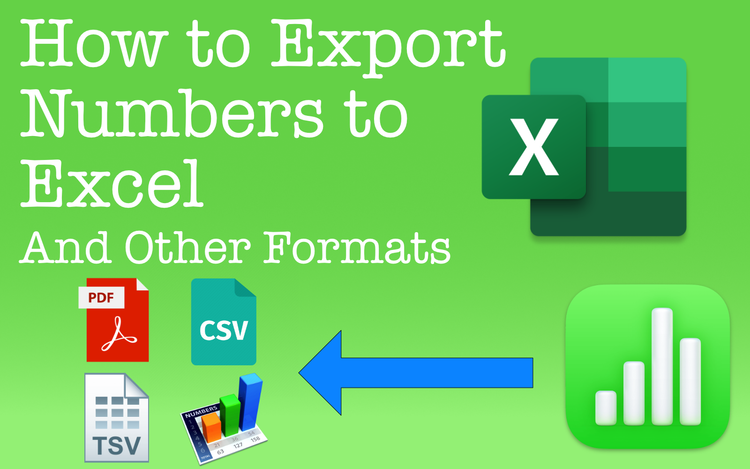
Export Numbers Spreadsheets to Excel and Other File Formats
Export Numbers spreadsheets to formats like Excel, CSV, and more. If compatibility or distribution is a concern, Numbers has the capability.
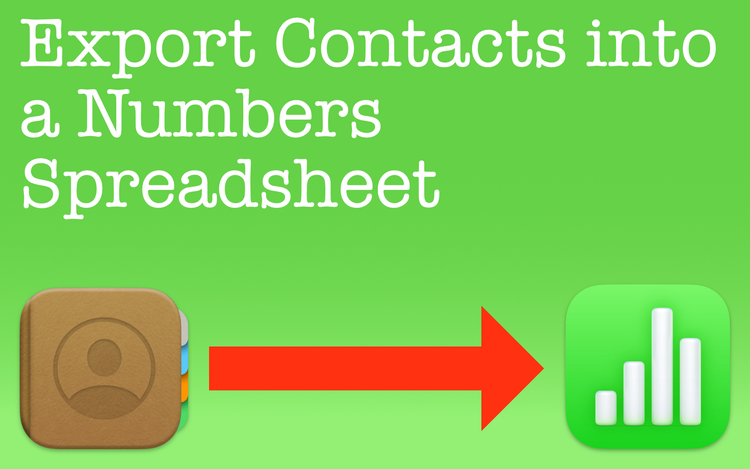
Export Apple Contacts into an Apple Numbers Spreadsheet
Easily export Apple contacts into an Apple Numbers spreadsheet. It's a great way to visually organize information saved with your contacts.
Remove Hyperlinks in Apple Numbers
Whether it's an email address or a website URL, learn how to remove hyperlinks in Numbers spreadsheets.
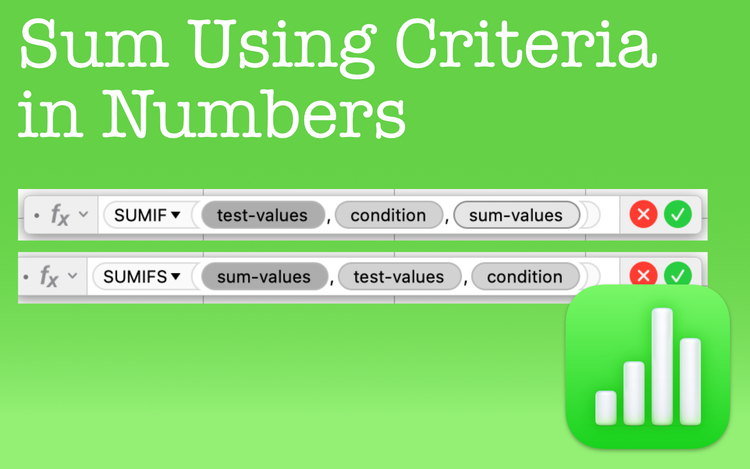
Sum Numbers Using Criteria in Apple Numbers
SUM using criteria in Apple Numbers with the SUMIF and SUMIFS functions. They're great timesavers no matter the conditions you set.