How to Type Special Characters and Symbols in Pages, Numbers, and Keynote
Three simple ways to type any symbol on your Mac, plus how to make your own shortcut.
Export Keynote Presentations to PowerPoint and Other File Formats
Export Keynote presentations to formats like PowerPoint, an MP4 movie, animated GIFs, and more. Use Keynote for more than just presentations.
The Difference Between Animations and Transitions in Apple Keynote
Confused what the difference between animations and transitions in Apple Keynote? This post will clear up what they are and when to use them.
Create Fun, Animated GIFs Using Apple Keynote
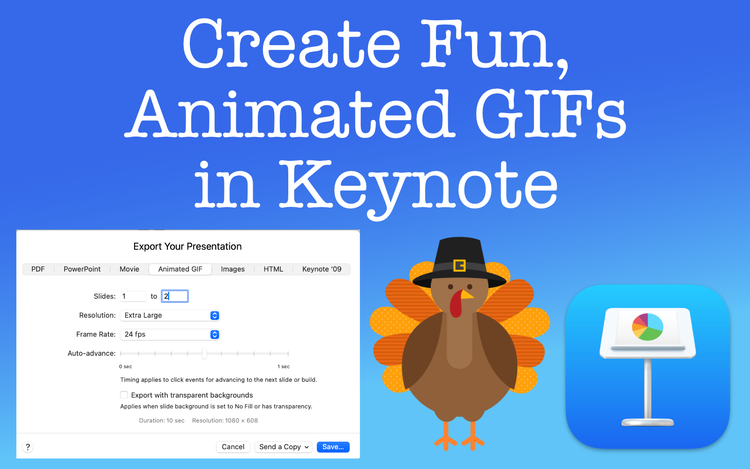
Create animated GIFs using Apple Keynote? Yes, it's true. Learn how without the need of third party software.