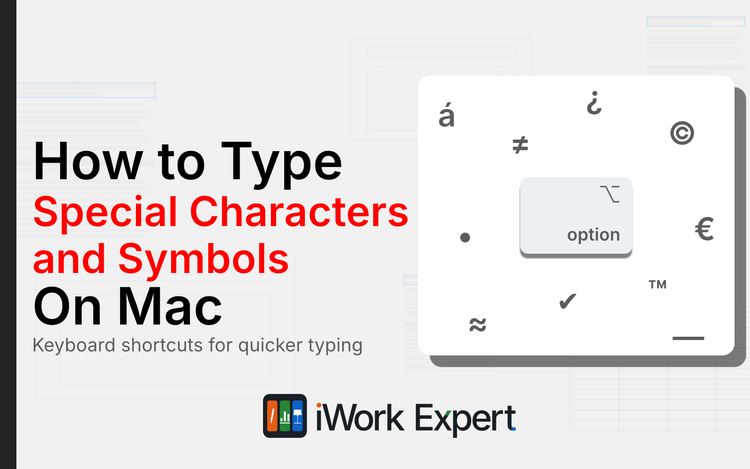
How to Type Special Characters and Symbols in Pages, Numbers, and Keynote
Three simple ways to type any symbol on your Mac, plus how to make your own shortcut.
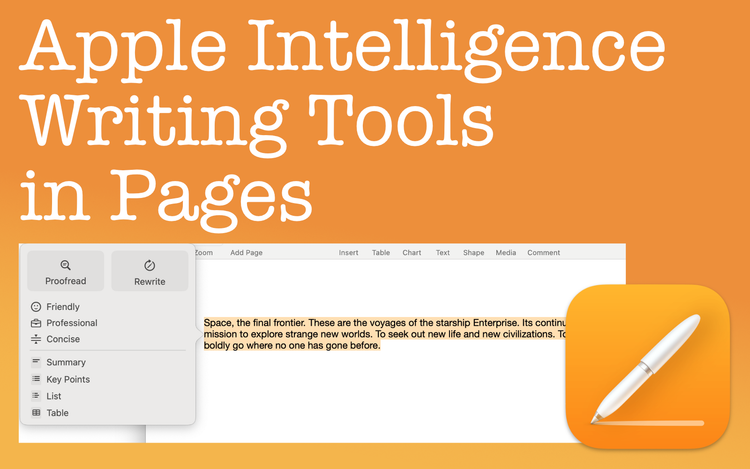
Apple Intelligence Writing Tools in Pages
Apple Intelligence Writing Tools can help improve your writing by proofreading, rewriting text, and summarizing
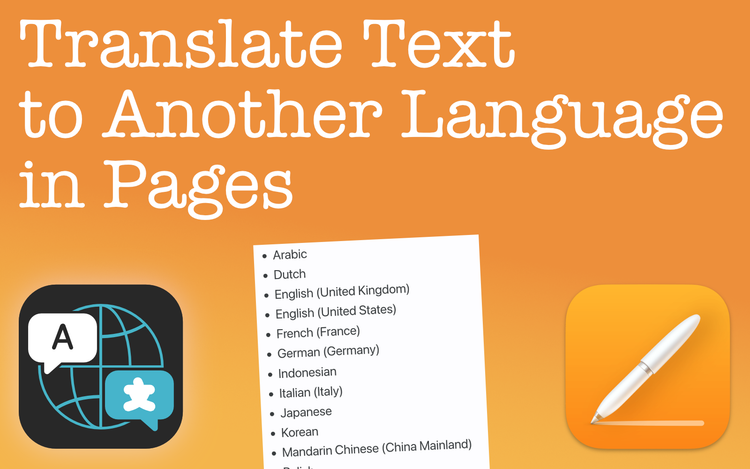
Translate Text in Pages to Another Language
There's a simple and accurate way to translate text in Pages. Learn what languages you can translate to and speed up your workflow.
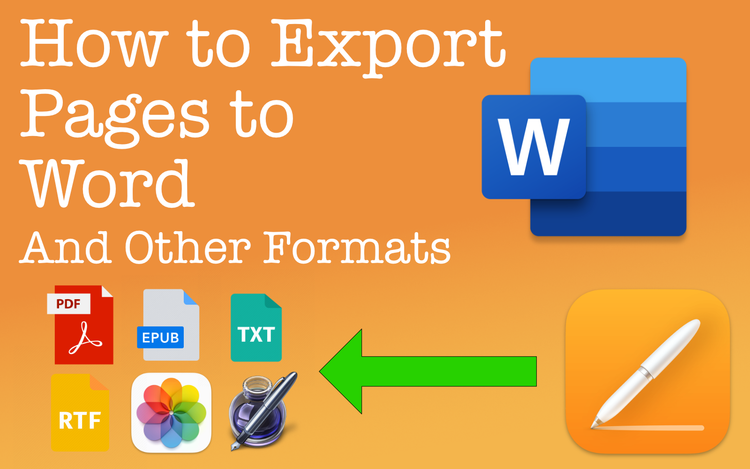
Export Pages Documents to Word and Other File Formats
Export Pages documents to formats like Word, an EPUB, a PDF, and more. Whatever you're writing, Pages exports to many distribution formats.
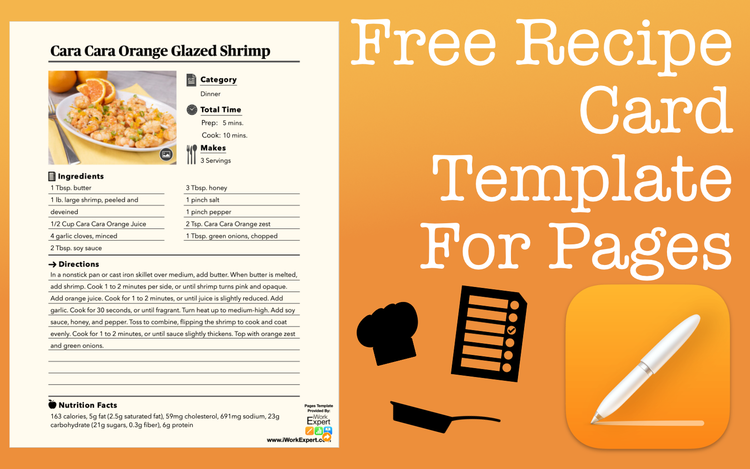
A Sleek and Free Recipe Template for Pages
Here’s a free, sleek recipe template for Apple Pages you can download and start using right away. It’s designed to keep things clean, simple, and easy to print or share.
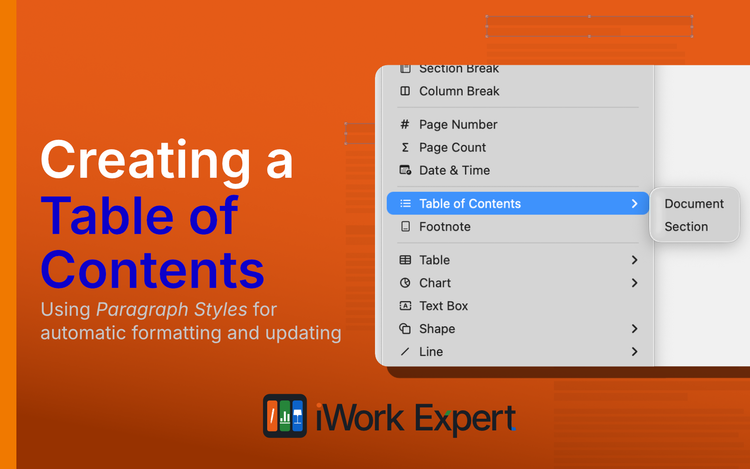
Create a Table of Contents in Apple Pages
Creating a table of contents in Apple Pages is simple. You can even customize the way it looks and choose what sections to include or exclude.
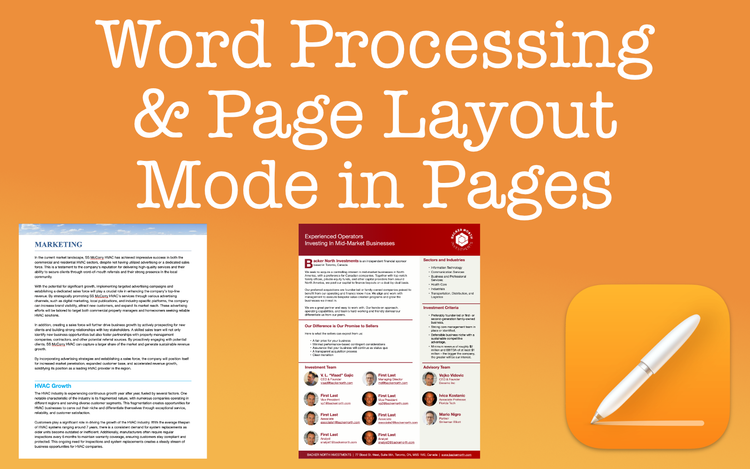
Word Processing & Page Layout Modes in Pages: An Overview
When considering word processing vs. page layout in Apple Pages, the end goal is the main consideration. Learn which document type is best.
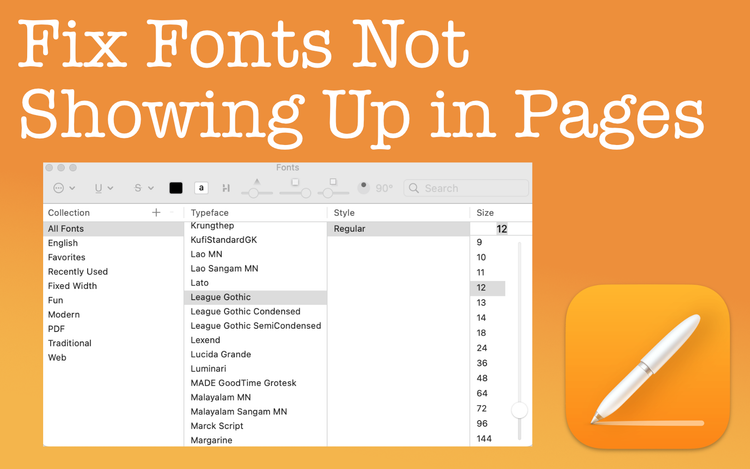
How to Fix a Font Not Showing in Apple Pages
Fonts not showing in Apple Pages? Easily fix this frustrating quirk with a simple how to guide.