How to Type Special Characters and Symbols in Pages, Numbers, and Keynote
Three simple ways to type any symbol on your Mac, plus how to make your own shortcut.
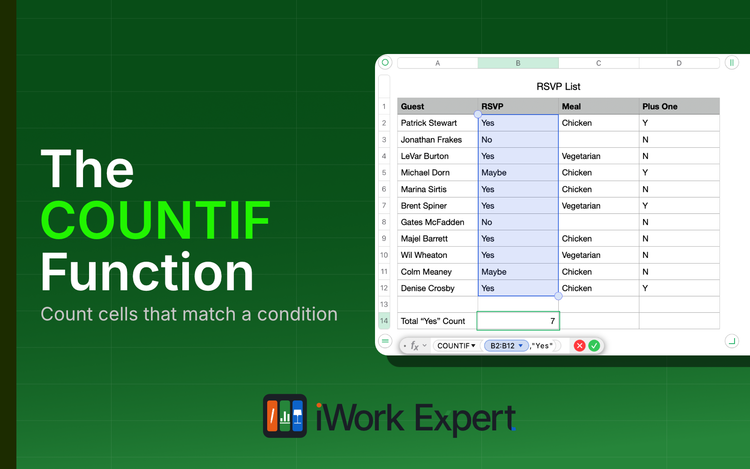
The COUNTIF Function in Numbers Explained
The COUNTIF function returns a count of cells that match a single condition. Literally, "count if..."
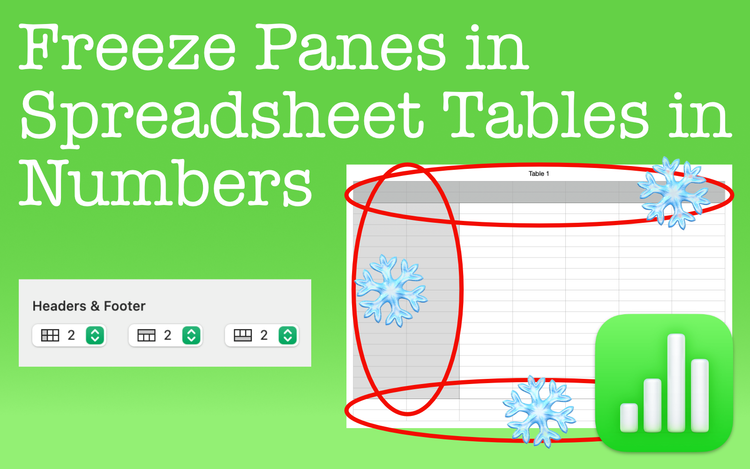
Freeze Panes in Spreadsheet Tables in Numbers
Freeze panes in Apple Numbers to leave rows or columns fixed in place. See these areas no matter where you scroll in the spreadsheet.
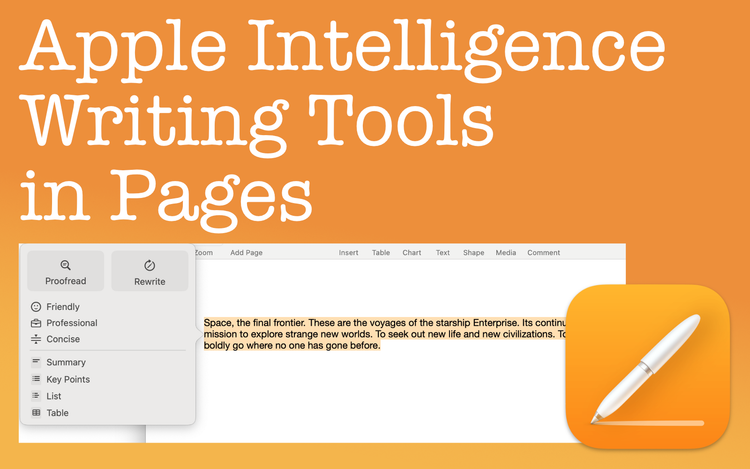
Apple Intelligence Writing Tools in Pages
Apple Intelligence Writing Tools can help improve your writing by proofreading, rewriting text, and summarizing
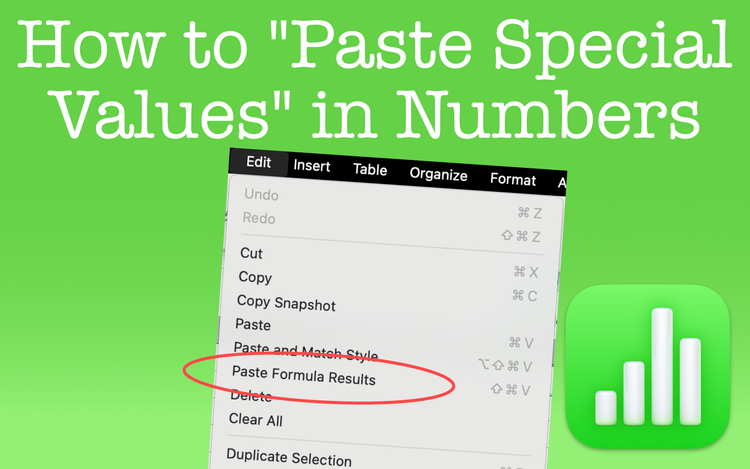
Paste Special Values in Numbers
Perform a Paste Special Values in Apple Numbers just as you do in Excel. The only difference is that it goes by another name in Numbers.
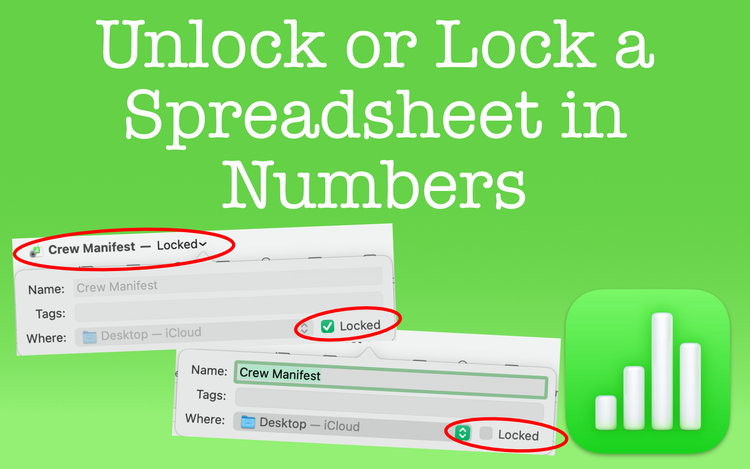
Unlock or Lock a Spreadsheet in Numbers
Anyone can unlock or lock a spreadsheet in Apple Numbers. It's not meant for security, but there are some benefits for you to consider.
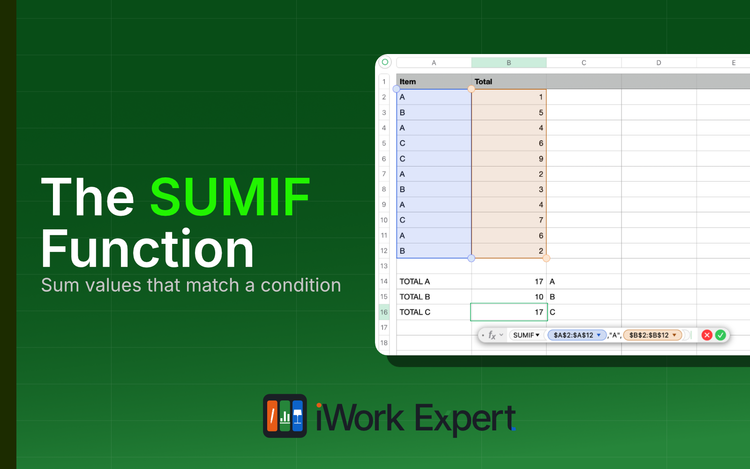
The SUMIF Function in Apple Numbers Explained
The SUMIF function returns the sum of cells that match a single condition. Literally, "sum if..."
Translate Text in Pages to Another Language
There's a simple and accurate way to translate text in Pages. Learn what languages you can translate to and speed up your workflow.
Export Keynote Presentations to PowerPoint and Other File Formats
Export Keynote presentations to formats like PowerPoint, an MP4 movie, animated GIFs, and more. Use Keynote for more than just presentations.
Export Numbers Spreadsheets to Excel and Other File Formats
Export Numbers spreadsheets to formats like Excel, CSV, and more. If compatibility or distribution is a concern, Numbers has the capability.