


Latest
17
Sep
iWork Expert Is Winding Down
iWork Expert Is Winding Down
After giving it quite a bit of thought, I’ve decided to wind down iWork
2 min read
20
Jun

How to Type Special Characters and Symbols in Pages, Numbers, and Keynote
Three simple ways to type any symbol on your Mac, plus how to make your own shortcut.
8 min read
06
Oct
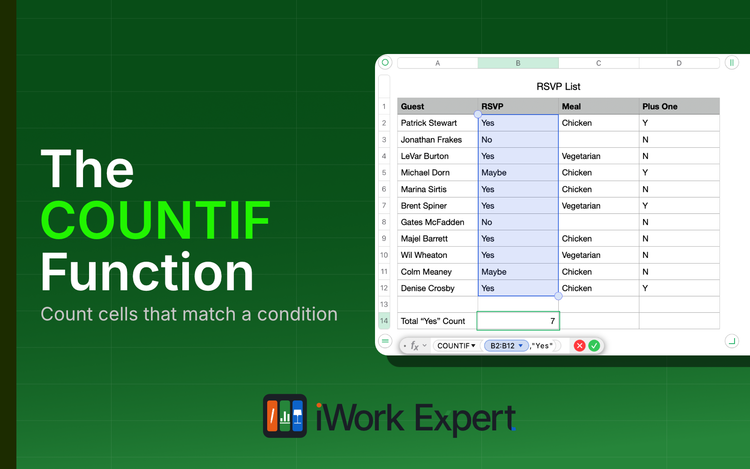
The COUNTIF Function in Numbers Explained
The COUNTIF function returns a count of cells that match a single condition. Literally, "count if..."
8 min read
05
Nov
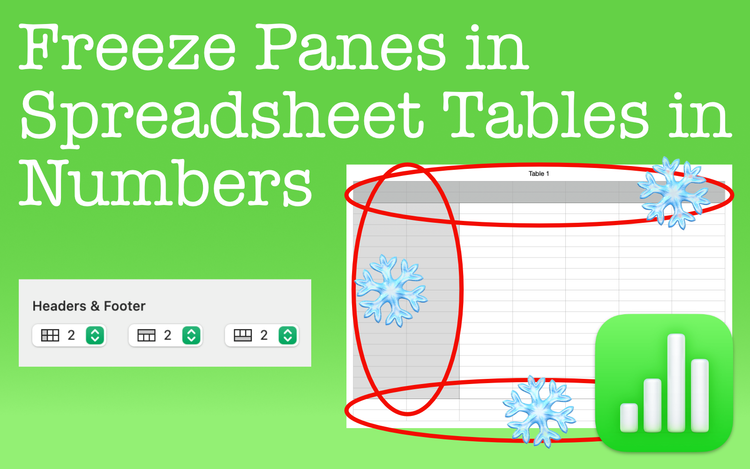
Freeze Panes in Spreadsheet Tables in Numbers
Freeze panes in Apple Numbers to leave rows or columns fixed in place. See these areas no matter where you scroll in the spreadsheet.
5 min read
29
Oct
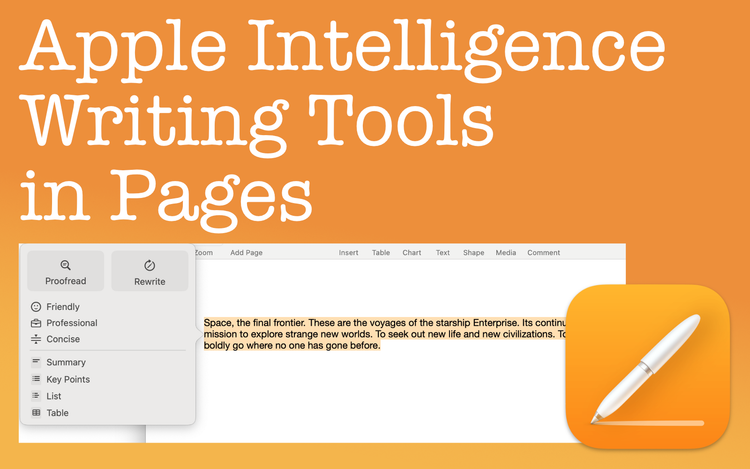
Apple Intelligence Writing Tools in Pages
Apple Intelligence Writing Tools can help improve your writing by proofreading, rewriting text, and summarizing
7 min read
20
Oct
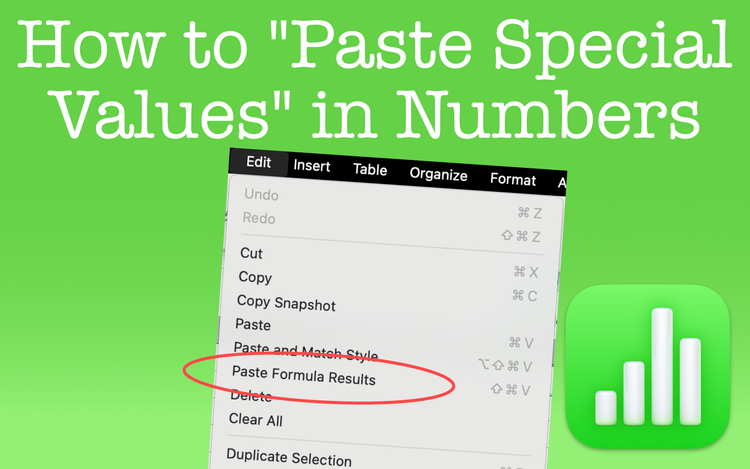
Paste Special Values in Numbers
Perform a Paste Special Values in Apple Numbers just as you do in Excel. The only difference is that it goes by another name in Numbers.
3 min read
10
Sep
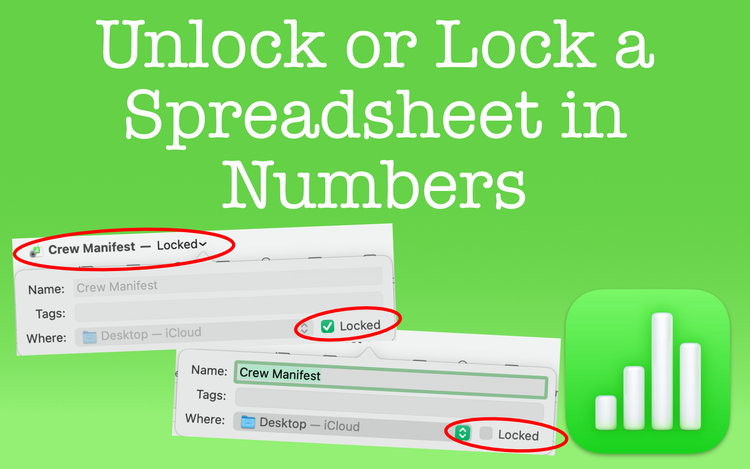
Unlock or Lock a Spreadsheet in Numbers
Anyone can unlock or lock a spreadsheet in Apple Numbers. It's not meant for security, but there are some benefits for you to consider.
3 min read
06
Sep
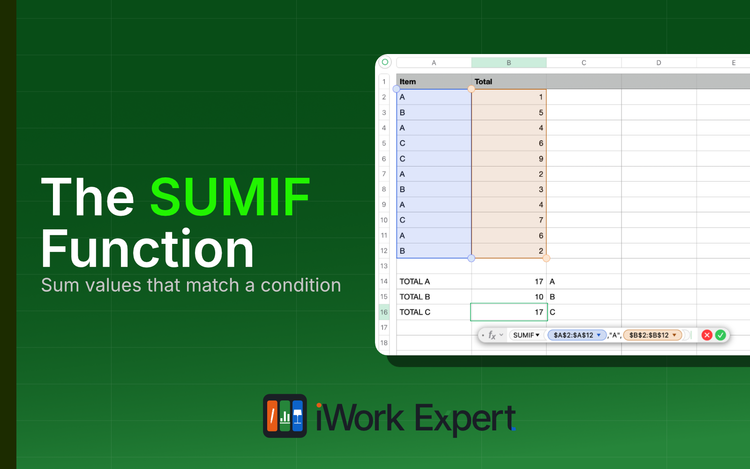
The SUMIF Function in Apple Numbers Explained
The SUMIF function returns the sum of cells that match a single condition. Literally, "sum if..."
8 min read
30
Aug

Translate Text in Pages to Another Language
There's a simple and accurate way to translate text in Pages. Learn what languages you can translate to and speed up your workflow.
5 min read
02
Mar
Export Keynote Presentations to PowerPoint and Other File Formats
Export Keynote presentations to formats like PowerPoint, an MP4 movie, animated GIFs, and more. Use Keynote for more than just presentations.
11 min read