Fix a SUM Formula That Totals to Zero in Apple Numbers
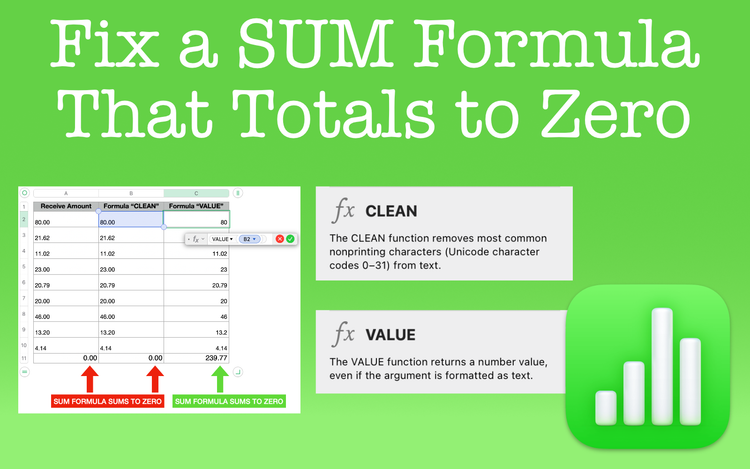
Are you using a SUM formula that totals to zero? If this is happening to you, learn why and how you can fix it.
The DATEVALUE Function in Apple Numbers Explained
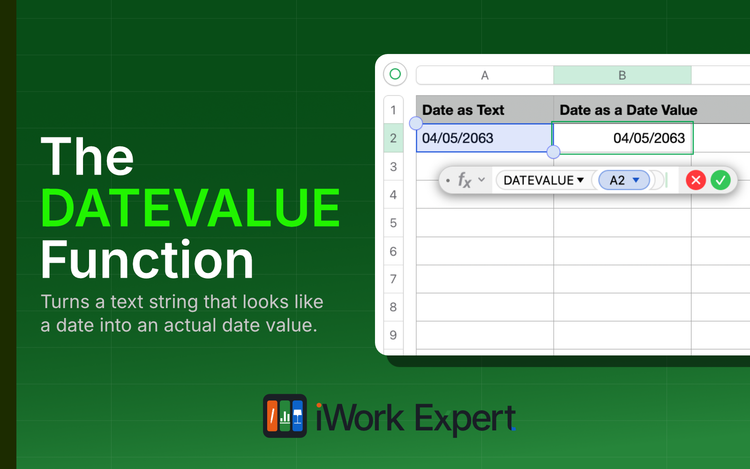
Converts a date stored as text into a real date value Numbers can work with, most often needed when importing data from Excel.
The DATEDIF Function in Apple Numbers Explained
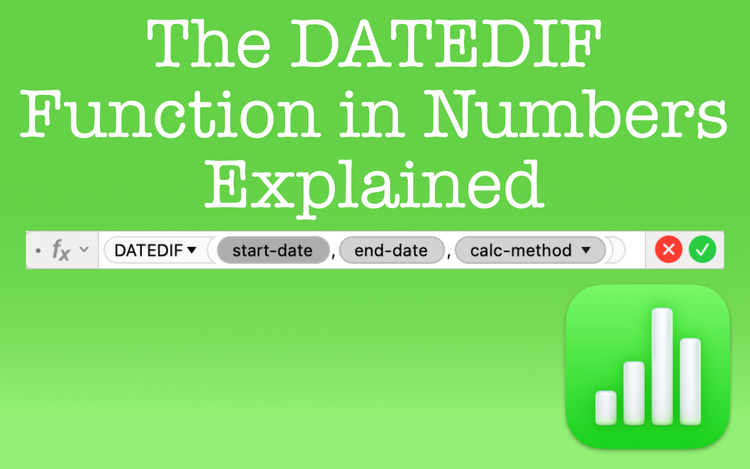
The DATEDIF function lets you calculate the difference between any two dates with an output in days, months, or years.
The DATE Function in Apple Numbers Explained
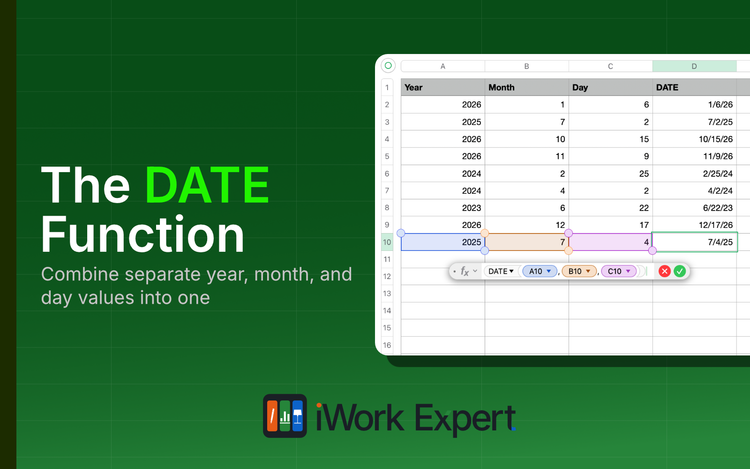
The DATE function combines the three parts of a date (year, month, and day) that are listed in separate cells into a single cell entry