Export Pages Documents to Word and Other File Formats
Export Pages documents to formats like Word, an EPUB, a PDF, and more. Whatever you're writing, Pages exports to many distribution formats.
A Sleek and Free Recipe Template for Pages
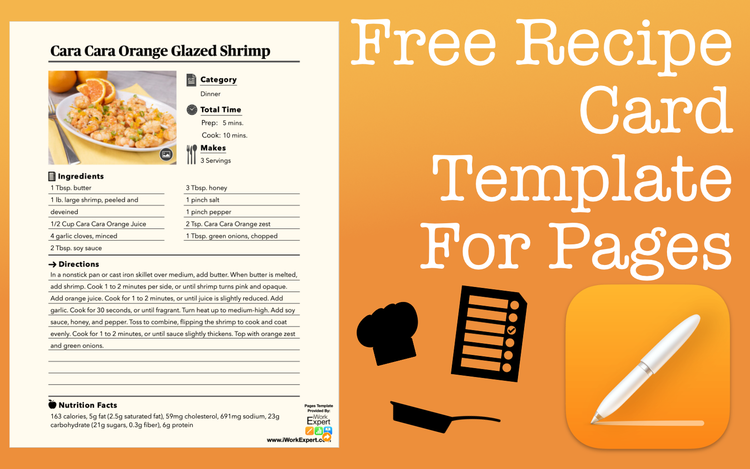
Here’s a free, sleek recipe template for Apple Pages you can download and start using right away. It’s designed to keep things clean, simple, and easy to print or share.
The Difference Between Animations and Transitions in Apple Keynote
Confused what the difference between animations and transitions in Apple Keynote? This post will clear up what they are and when to use them.
Export Apple Contacts into an Apple Numbers Spreadsheet
Easily export Apple contacts into an Apple Numbers spreadsheet. It's a great way to visually organize information saved with your contacts.
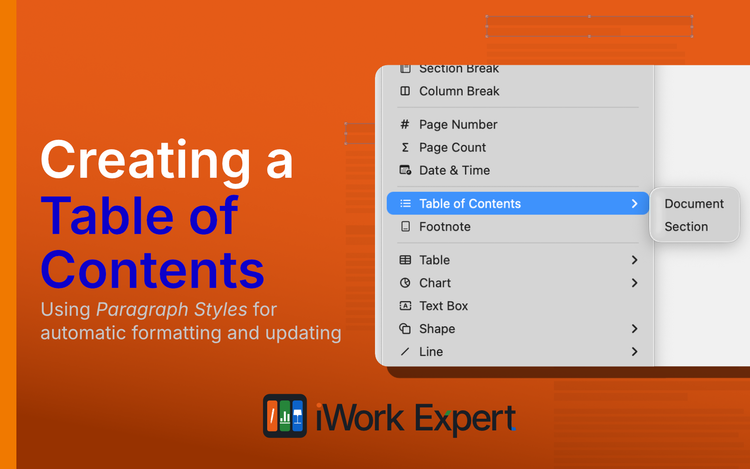
Create a Table of Contents in Apple Pages
Creating a table of contents in Apple Pages is simple. You can even customize the way it looks and choose what sections to include or exclude.
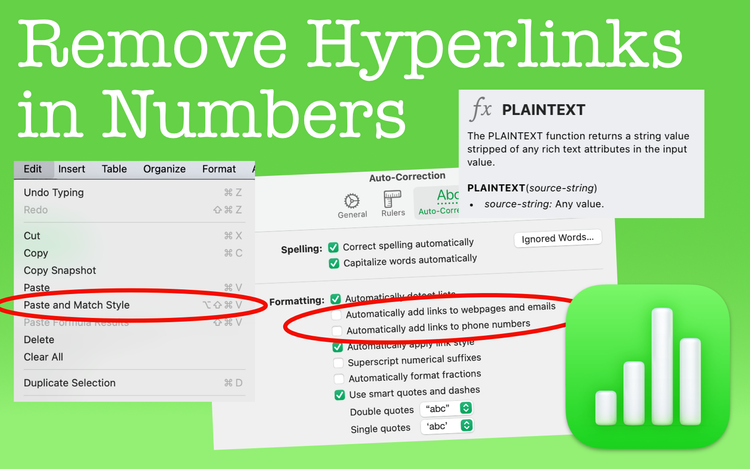
Remove Hyperlinks in Apple Numbers
Whether it's an email address or a website URL, learn how to remove hyperlinks in Numbers spreadsheets.
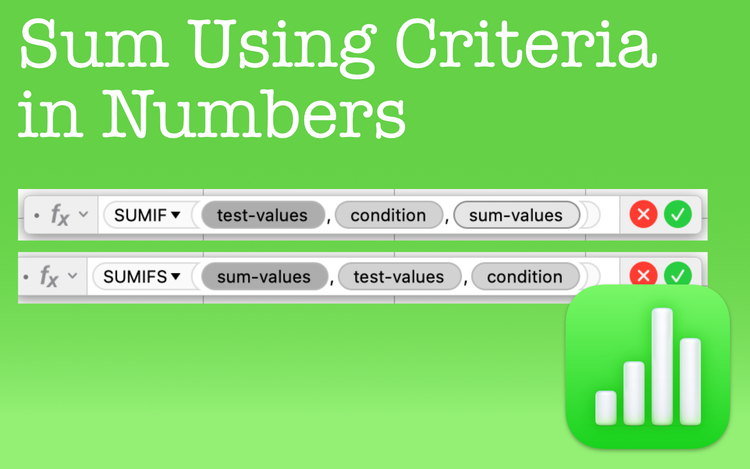
Sum Numbers Using Criteria in Apple Numbers
SUM using criteria in Apple Numbers with the SUMIF and SUMIFS functions. They're great timesavers no matter the conditions you set.
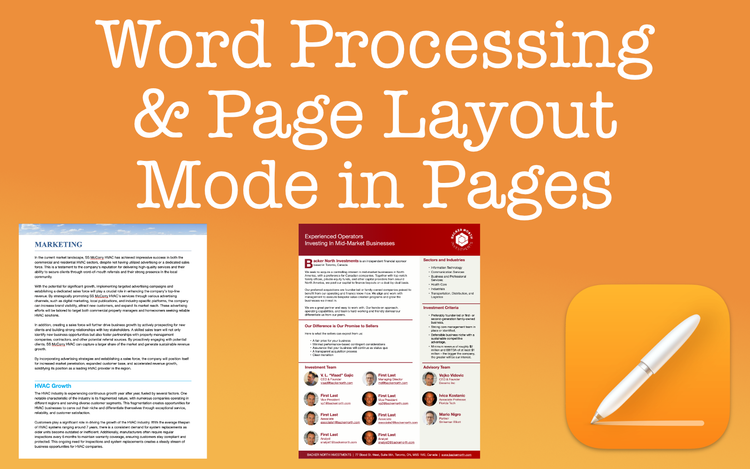
Word Processing & Page Layout Modes in Pages: An Overview
When considering word processing vs. page layout in Apple Pages, the end goal is the main consideration. Learn which document type is best.
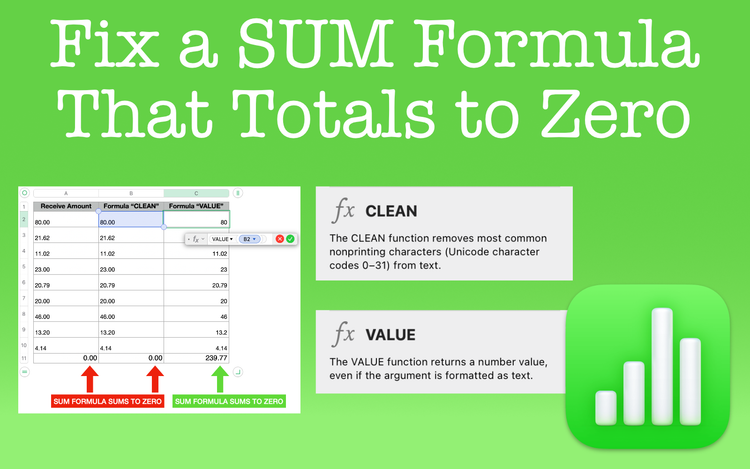
Fix a SUM Formula That Totals to Zero in Apple Numbers
Are you using a SUM formula that totals to zero? If this is happening to you, learn why and how you can fix it.
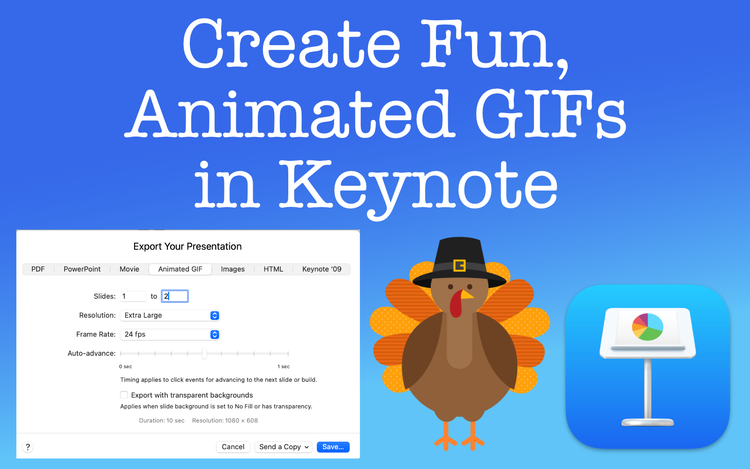
Create Fun, Animated GIFs Using Apple Keynote
Create animated GIFs using Apple Keynote? Yes, it's true. Learn how without the need of third party software.